Agent Registration
Agents can self-register through the public registration form on the frontend. This section explains how that process works from the admin perspective.
Registration Flow
- Agent visits the registration page on the frontend
- Fills in all required fields (name, email, password, region, occupation, company, phone, country)
- Submits the form
- Account is created with role
agent - Welcome email is automatically sent
- Agent can immediately log in and start training
Monitoring New Registrations
To see recently registered agents:
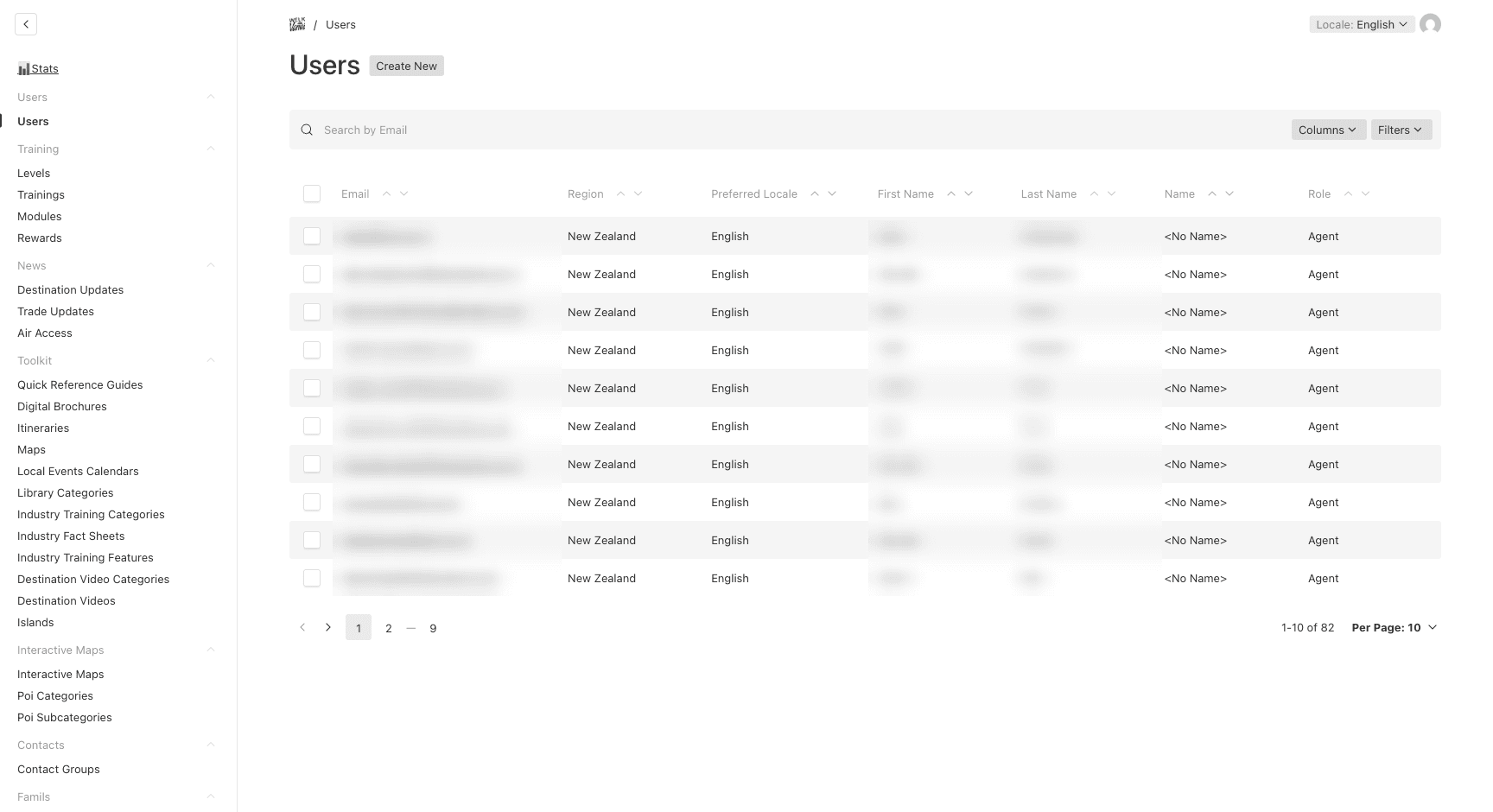
- Go to Users → Users
- Sort by Created At (descending) to see the newest accounts first
- Optionally filter by region to see registrations in a specific area
Welcome Email
Every new user receives an automated welcome email via Mailchimp:
- French agents receive the
email-confirmation-d-inscriptiontemplate - English agents receive the
email-confirmation-signintemplate - The language is determined by the agent’s region (auto-detected)
If the welcome email fails to send, the user account is still created. Check server logs for email delivery issues.
Last updated on