Trainings
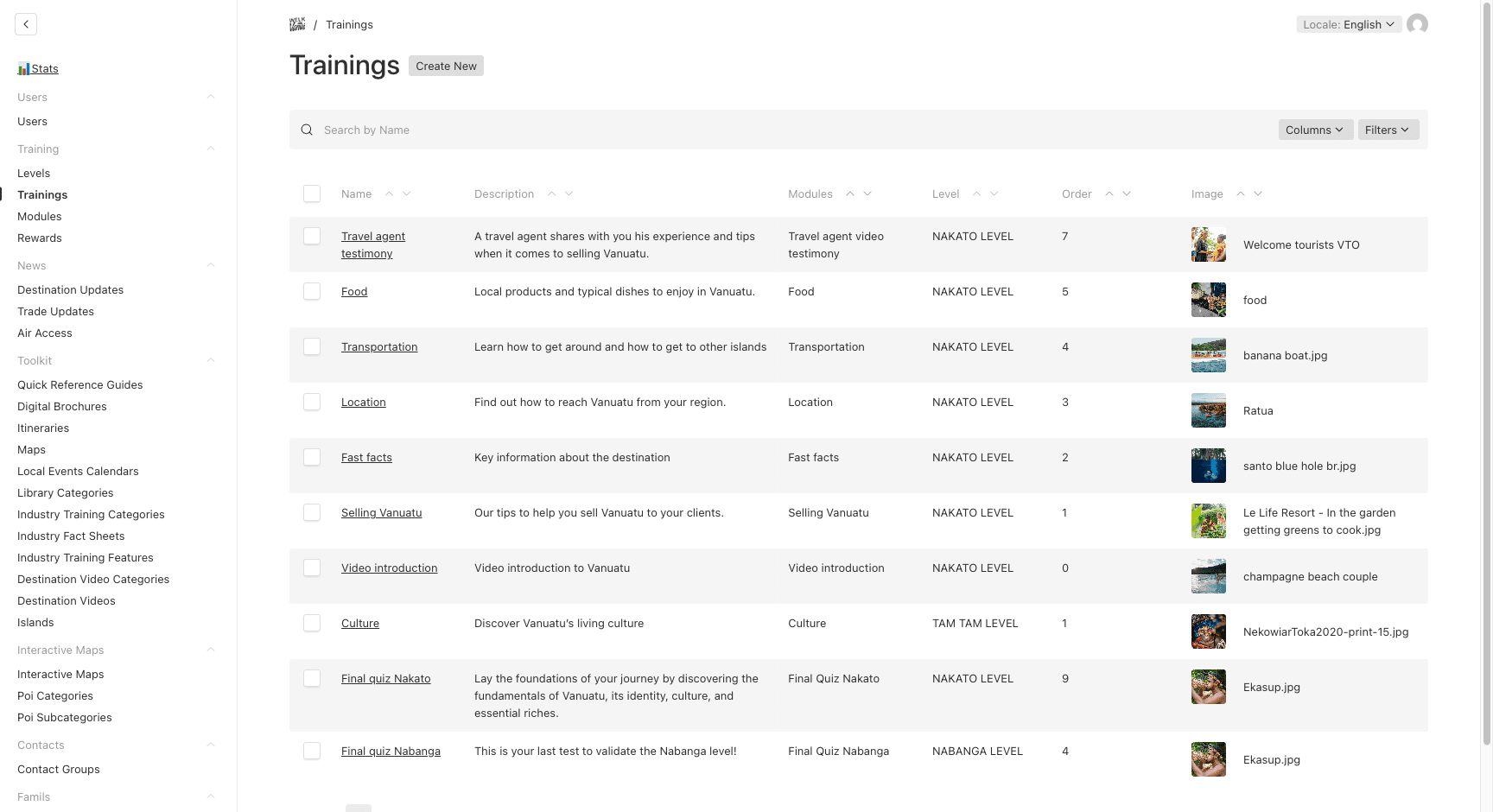
Trainings group related modules together under a specific level. They represent a themed set of learning content.
Understanding Training
A Training is a container that:
- Belongs to a specific Level
- Contains multiple Modules (displayed in order)
- Has an automatically calculated total duration based on its modules
- Can be activated or deactivated
Creating a Training
- Navigate to Training → Training in the sidebar
- Click Create New
- Fill in the fields:
| Field | Description | Required |
|---|---|---|
| Name | Course name (e.g., “Discover Vanuatu”) — localized EN/FR | Yes |
| Description | Course overview — localized EN/FR | Yes |
| Level | Which level this training belongs to | Yes |
| Order | Display order within the level (lower = first) | No (default: 0) |
| Image | Cover image for the course | No |
| Is Active | Whether this course is available to agents | Yes (default: on) |
- Click Save
Auto-Calculated Duration
The Total Duration (minutes) field is read-only and automatically calculated by summing up the estimatedDurationMinutes of all modules in the training. This updates whenever:
- A module is added, edited, or removed
- A module is moved to/from this training
Viewing Modules
After creating a training, you’ll see a Modules section that displays all modules linked to this training. This is a read-only join view — to add modules, create them from the Modules section and assign them to this training.
Last updated on