Toolkit & Resources
The Toolkit section provides agents with downloadable resources and reference materials. It is divided into several sub-sections, each targeting a different type of content.
Quick Reference Guides
PDF guides for quick reference — each guide has localized files so agents see the PDF in their language.
- Navigate to Toolkit → Quick Reference Guides
- Click Create New
| Field | Description | Required |
|---|---|---|
| Title | Guide title — localized EN/FR | Yes |
| Description | Brief overview — localized EN/FR | Yes |
| File | Upload PDF file — localized EN/FR (different PDFs per language) | Yes |
| Cover | Cover image — localized EN/FR | No |
Digital Brochures
Language-specific PDF brochures.
- Navigate to Toolkit → Digital Brochures
- Click Create New
| Field | Description | Required |
|---|---|---|
| Title | Brochure title | Yes |
| Description | Brief overview | Yes |
| Language | fr or en | Yes (default: fr) |
| File | Upload PDF file | Yes |
| Cover | Cover image (falls back to PDF thumbnail) | No |
| Order | Display order | No |
Unlike Quick Reference Guides, brochures are not localized — they have an explicit Language field. Create separate entries for each language.
Itineraries
Multi-day trip itineraries in PDF format.
- Navigate to Toolkit → Itineraries
- Click Create New
| Field | Description | Required |
|---|---|---|
| Title | Itinerary name — localized EN/FR | Yes |
| Days Count | Number of days | Yes |
| File | PDF file — localized EN/FR | Yes |
| Cover | Cover image — localized EN/FR | No |
| Order | Display order | No |
Maps
Static map images (e.g., island maps, area maps) that agents can view and download.
- Navigate to Toolkit → Maps
- Click Create New
| Field | Description | Required |
|---|---|---|
| Title | Map title — localized EN/FR | Yes |
| Cover | Cover image for list view — localized EN/FR (if empty, the map image is used) | No |
| Map Image | The full map image — localized EN/FR | Yes |
| Order | Display order | No |
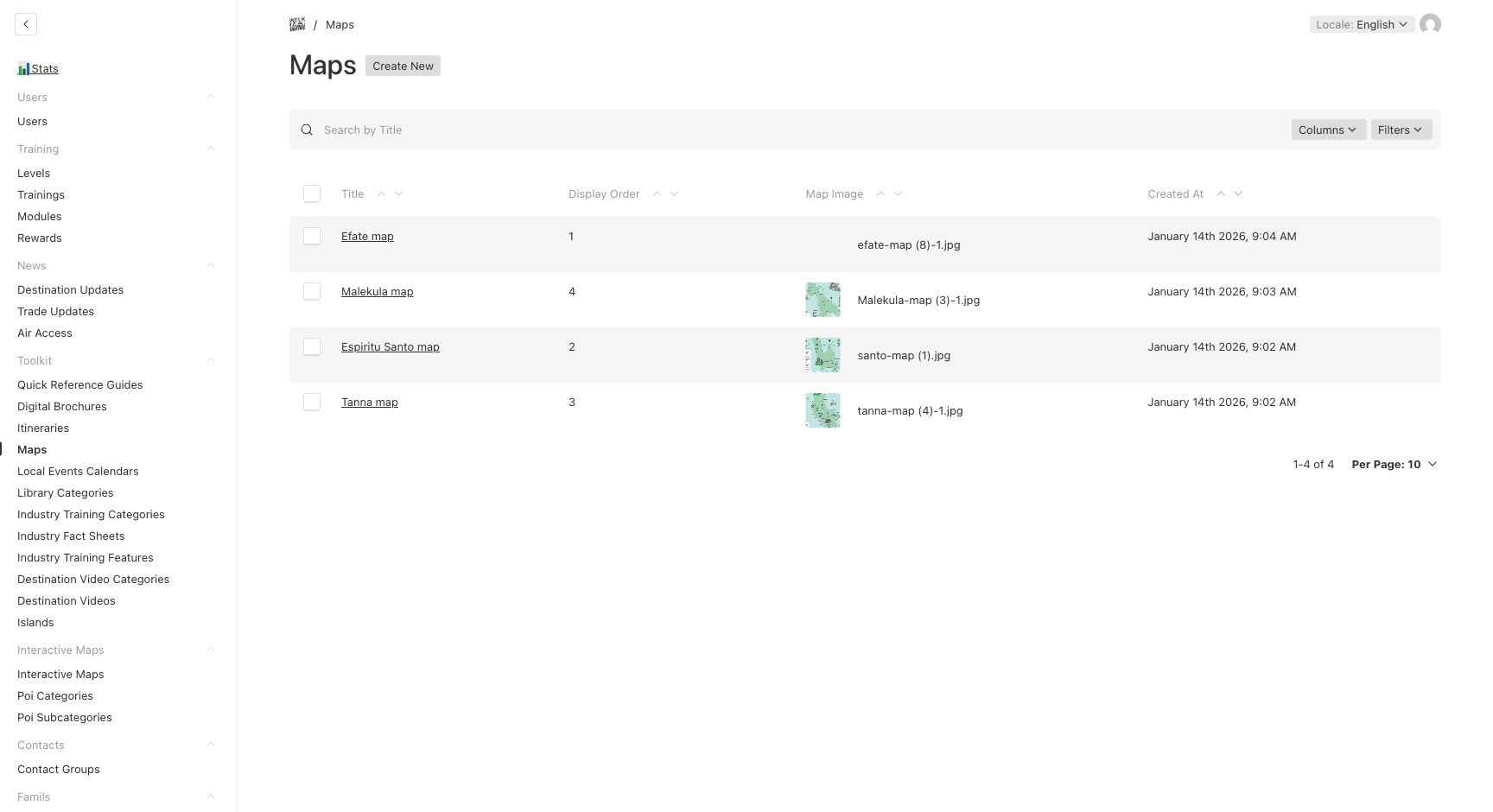
These are static image maps (e.g., island maps). For interactive maps with points of interest, see the Interactive Maps section.
Local Events Calendar
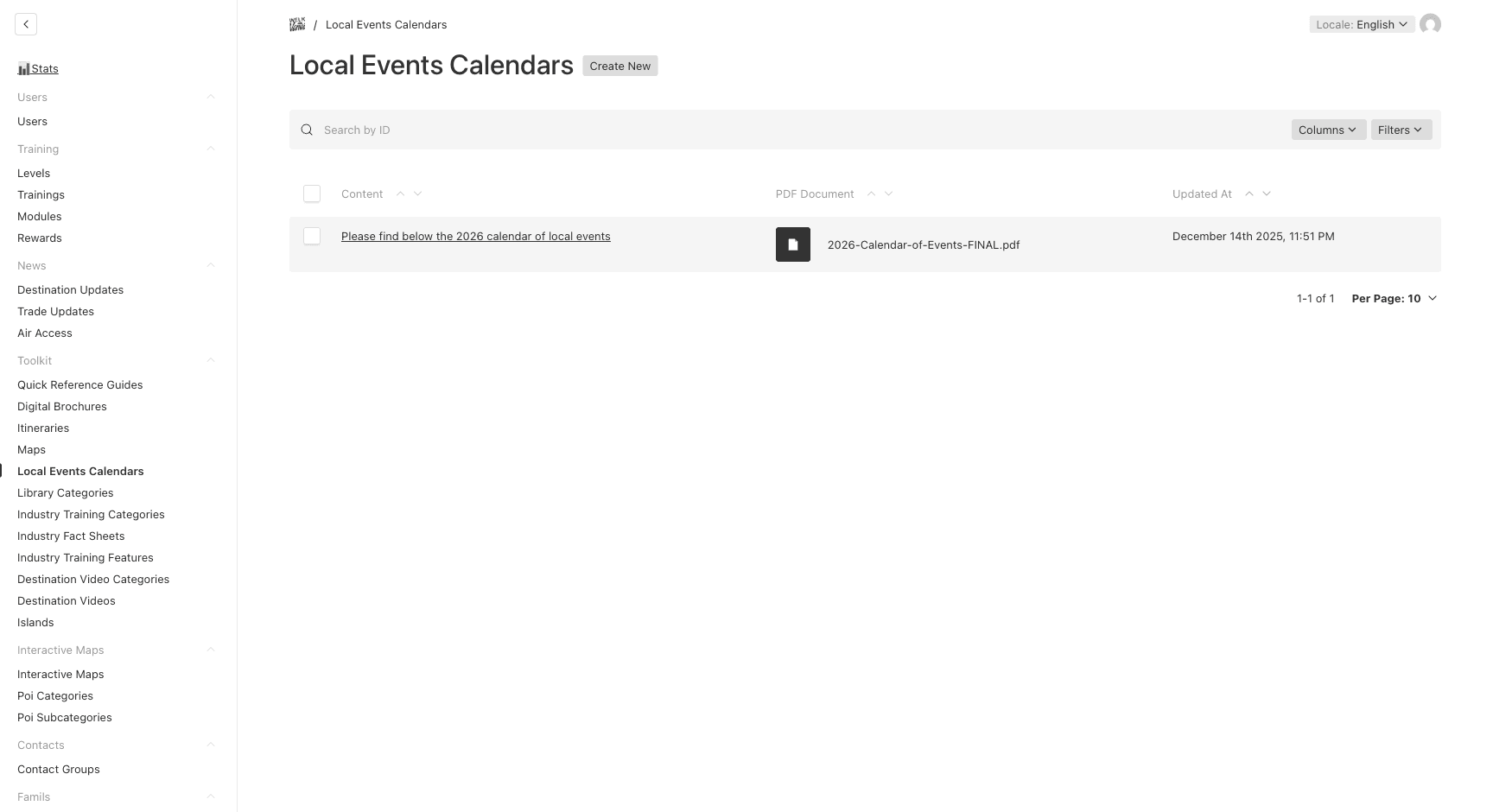
A dedicated section to publish local events information, with rich text content and an optional PDF document.
- Navigate to Toolkit → Local Events Calendars
- Click on an existing entry to edit, or Create New
| Field | Description | Required |
|---|---|---|
| Content | Rich text content describing local events — localized EN/FR | Yes |
| PDF Document | Optional PDF to display below the content — localized EN/FR | No |
Library Categories (Photo & Video Galleries)
Photo and video galleries that can be either global or region-targeted.
- Navigate to Toolkit → Library Categories
- Click Create New
- Set the name and decide on region targeting:
Global Content (Region Target: OFF)
- Upload photos (global) — available to all agents
- Add video URLs (global) — YouTube URLs available to all agents
Region-Targeted Content (Region Target: ON)
- Upload photos by region — different sets for different regions
- Add videos by region — different YouTube playlists per region
Industry Fact Sheets
Categorized fact sheets about tourism properties and activities, with multi-dimensional filtering by category, island, and features.
Setting Up Taxonomies
Before creating fact sheets, set up the taxonomies that power the filters:
- Toolkit → Industry Training Categories — content categories (e.g., “Accommodation”, “Activities”)
- Toolkit → Industry Training Features — audience/property type tags (e.g., “Family-friendly”, “Luxury”)
- Toolkit → Islands — island names used for geographic filtering
Creating a Fact Sheet
- Navigate to Toolkit → Industry Fact Sheets
- Click Create New
| Field | Description | Required |
|---|---|---|
| Title | Fact sheet title — localized EN/FR | Yes |
| Category | Industry training category | Yes |
| Islands | Related islands (for geographic filtering) | No |
| Features | Audience/property type filters | No |
| Photos | Image gallery (up to 5 images) | Yes |
| PDF File | PDF document with detailed information | Yes |
| Order | Display order | No |
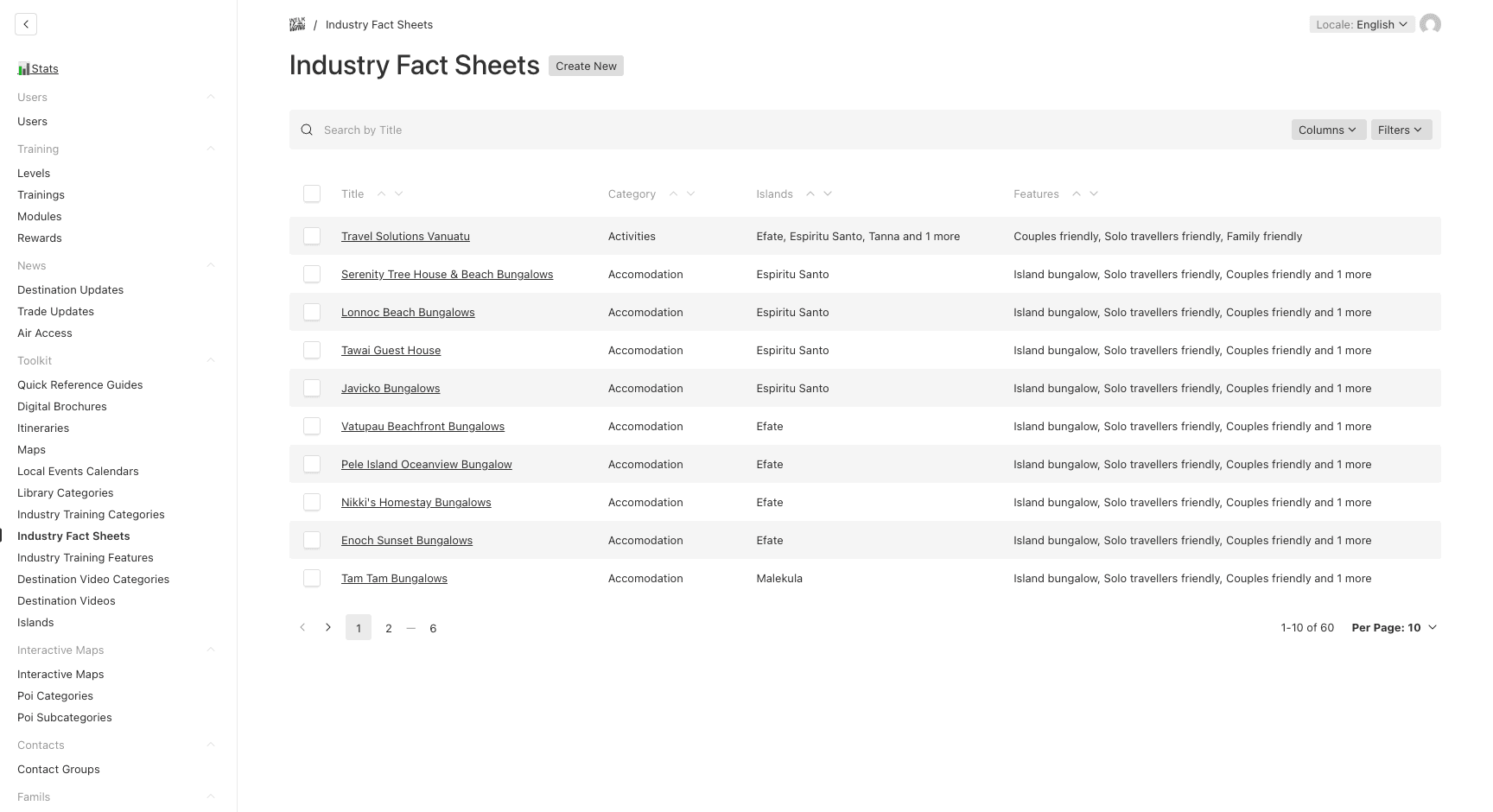
Agents can filter fact sheets by category, island, and features on the frontend. Make sure to tag each entry properly for the best search experience.
Destination Videos
YouTube videos organized by category and island. This section can be toggled on/off globally.
Setting Up Categories
- Navigate to Toolkit → Destination Video Categories
- Create categories to organize videos (e.g., “Diving”, “Culture”, “Adventure”)
Creating a Video Entry
- Navigate to Toolkit → Destination Videos
- Click Create New
| Field | Description | Required |
|---|---|---|
| Title | Video title — localized EN/FR | Yes |
| YouTube URL | YouTube video URL | Yes |
| Description | Video description — localized EN/FR | No |
| Category | Video category | Yes |
| Islands | Related islands | No |
| Order | Display order | No |
Destination Videos can be toggled on/off globally via Site Configuration → Feature Flags → Enable Destination Videos.