Rewards
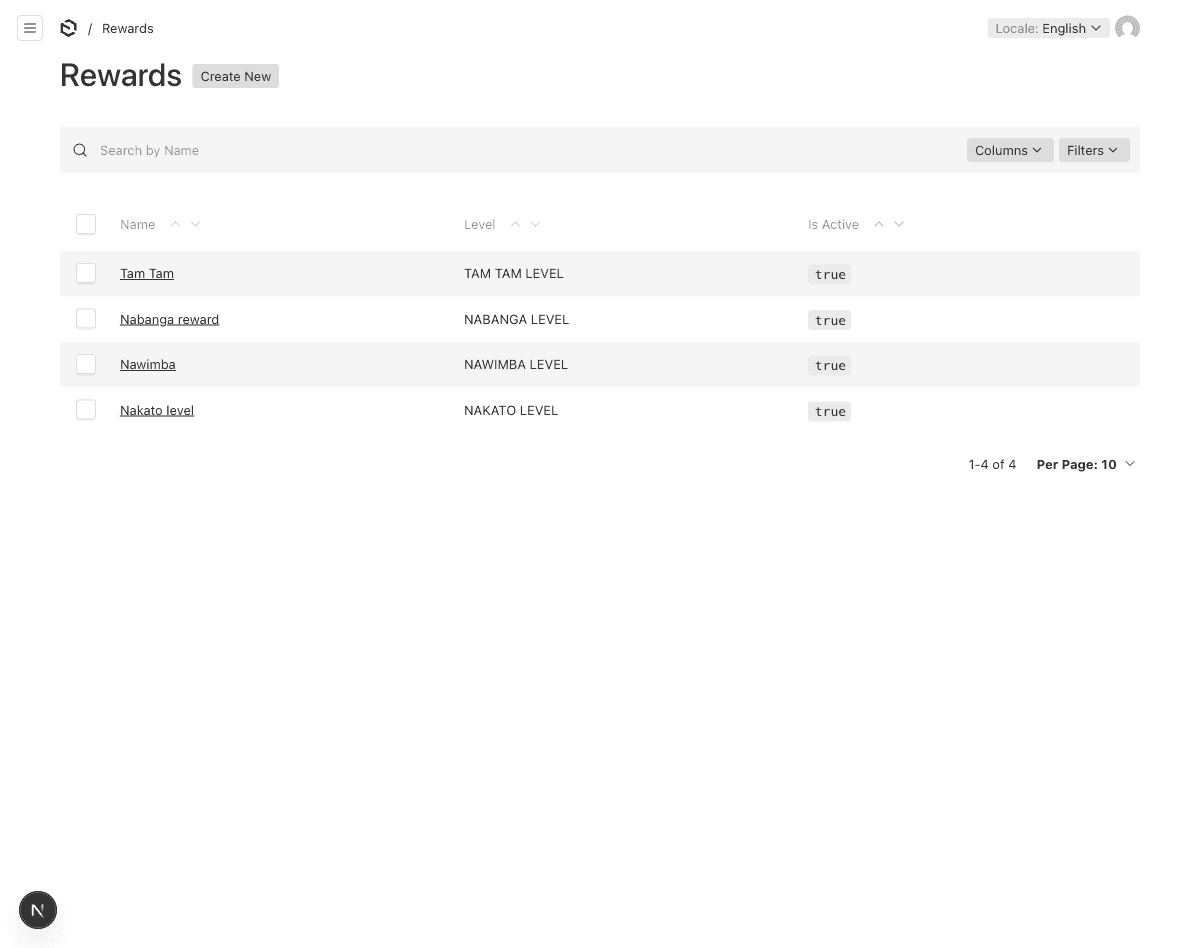
Rewards are content that agents unlock upon completing a level. They provide incentives for training completion.
Understanding Rewards
A reward:
- Is linked to a specific Level
- Has a description (shown before unlock as a teaser)
- Has content (revealed after the agent completes the level)
- Can include an image gallery
- Can optionally grant Self-Famils access
Creating a Reward
- Navigate to Training → Rewards in the sidebar
- Click Create New
- Fill in the fields:
| Field | Description | Required |
|---|---|---|
| Name | Reward name — localized EN/FR | Yes |
| Slug | URL-friendly identifier (auto-generated from name) | Auto |
| Description | Teaser shown before unlock — localized EN/FR | Yes |
| Content | Full content revealed after completion — localized EN/FR (rich text) | Yes |
| Gallery | Images to display with the reward (images only) | No |
| Level | The level this reward belongs to | Yes |
| Is Active | Whether this reward is visible | Yes (default: on) |
| Grants Self-Famils Access | Automatically give the agent access to Self-Famils programs | No (default: off) |
- Click Save
How Rewards Work
Before Completion
Agents can see the reward name and description (teaser) but cannot access the full content.
After Completion
Once all training modules in the associated level are completed:
- A Level Completion record is created
- The reward content and gallery become accessible
- If Grants Self-Famils Access is checked, the agent’s account is updated
- A reward email is sent (if configured on the Level)
Auto-Generated Slugs
The slug field is automatically generated from the reward name:
"Tanna Beaches" → "tanna-beaches"
"Self-Famils Access!" → "self-famils-access"
You can manually override the slug if needed.
Last updated on