Modules & Slides
Modules are the core building blocks of the training platform. Each module contains a sequence of slides that agents navigate through. See the Training Management overview for the full content hierarchy.
Understanding Modules
A module:
- Belongs to a specific Training
- Contains an ordered array of slides (4 types available)
- Has an estimated duration for display purposes
- Tracks individual slide completion per agent
Creating a Module
- Navigate to Training → Modules in the sidebar
- Click Create New
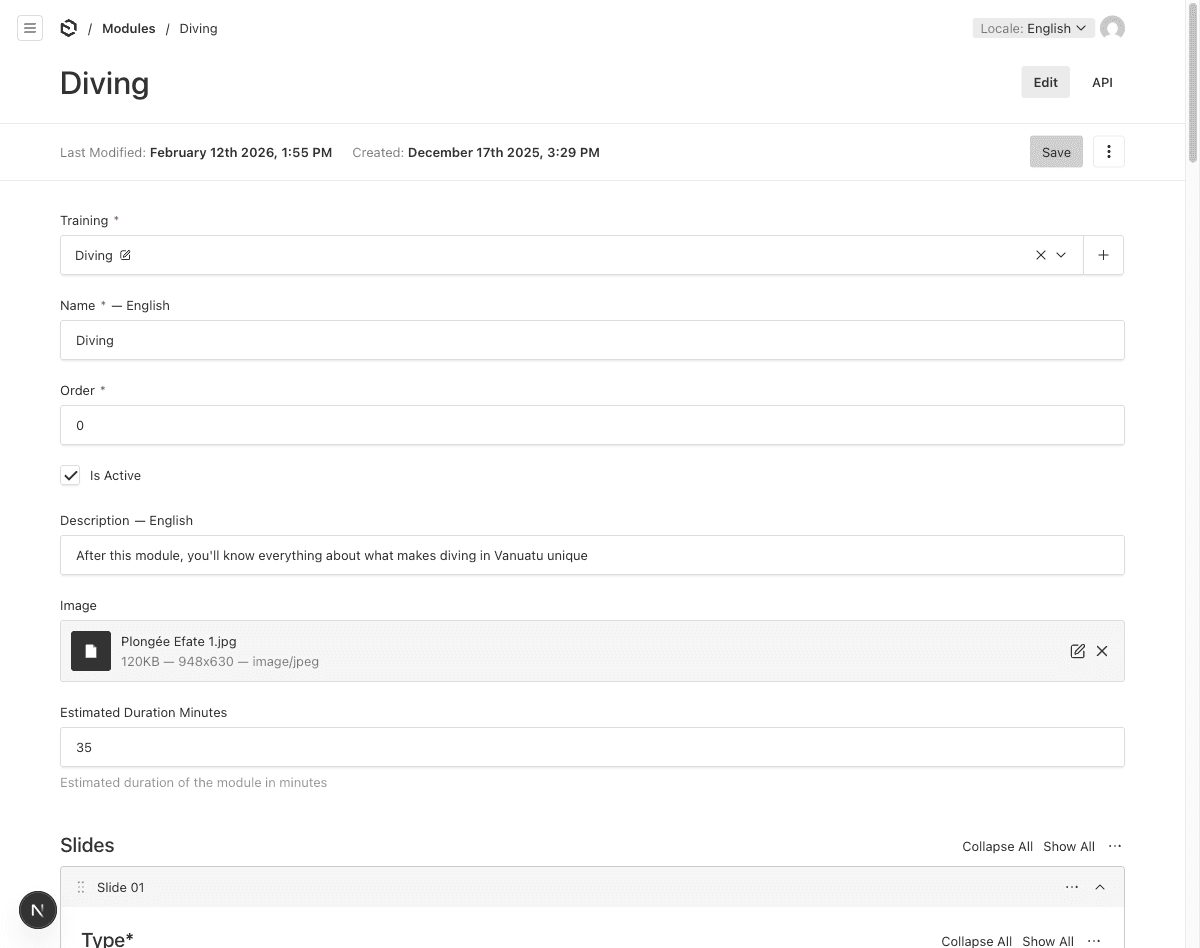
- Fill in the basic fields:
| Field | Description | Required |
|---|---|---|
| Training | Parent training | Yes |
| Name | Module name — localized EN/FR | Yes |
| Order | Display position within the training | Yes |
| Description | Module overview — localized EN/FR | No |
| Image | Module cover image | No |
| Estimated Duration (min) | How long this module takes | No |
| Is Active | Whether this module is visible | Yes (default: on) |
- Add slides (see below)
- Click Save
Slide Types
Each module contains an array of slides. There are 4 slide types available:
1. Video Slide
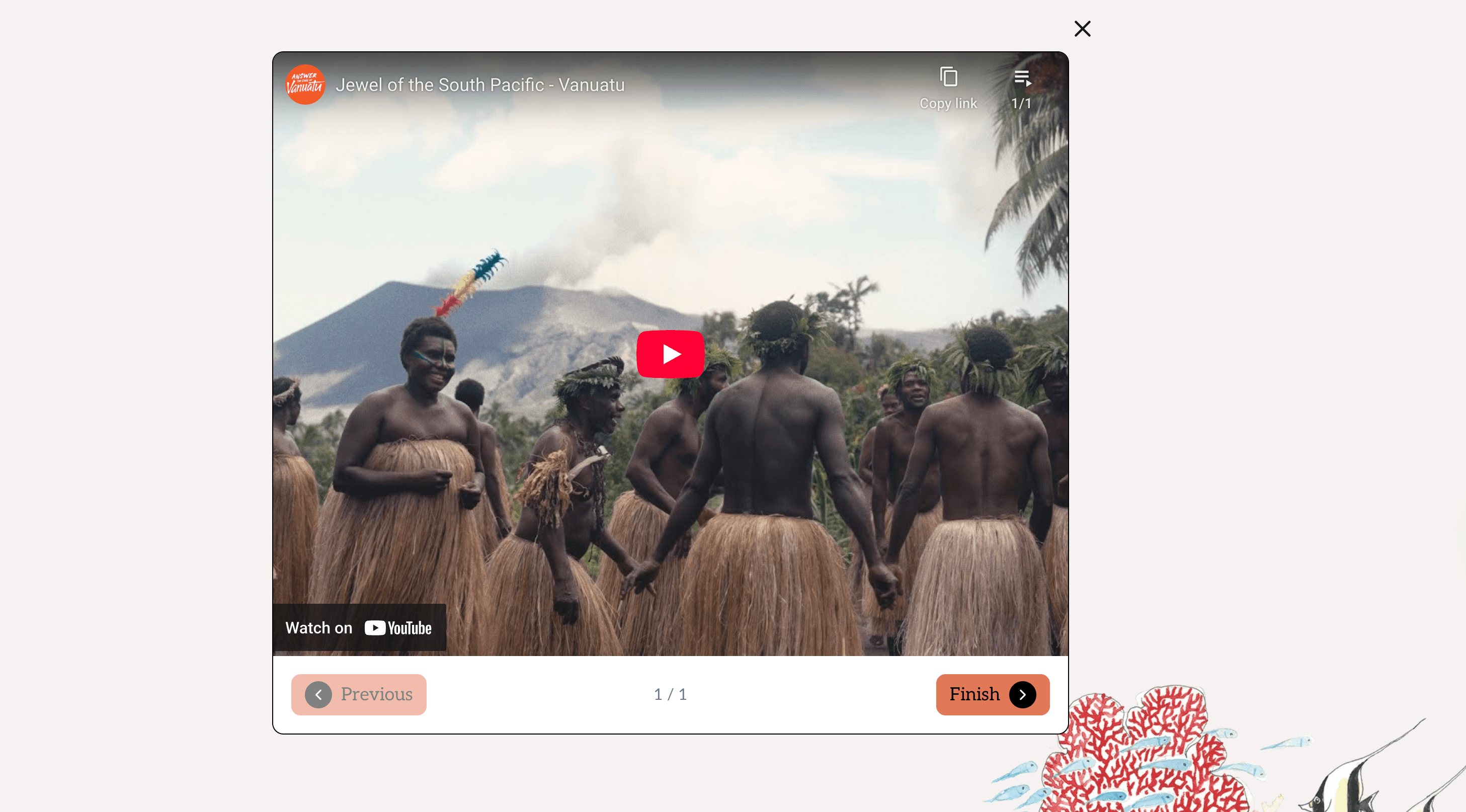
Displays a YouTube video for the agent to watch.
| Field | Description |
|---|---|
| Video URL | A valid YouTube URL — localized EN/FR |
Supported YouTube URL formats:
https://www.youtube.com/watch?v=VIDEO_IDhttps://youtu.be/VIDEO_IDhttps://www.youtube.com/embed/VIDEO_ID- YouTube Shorts URLs are also supported
2. Content Slide
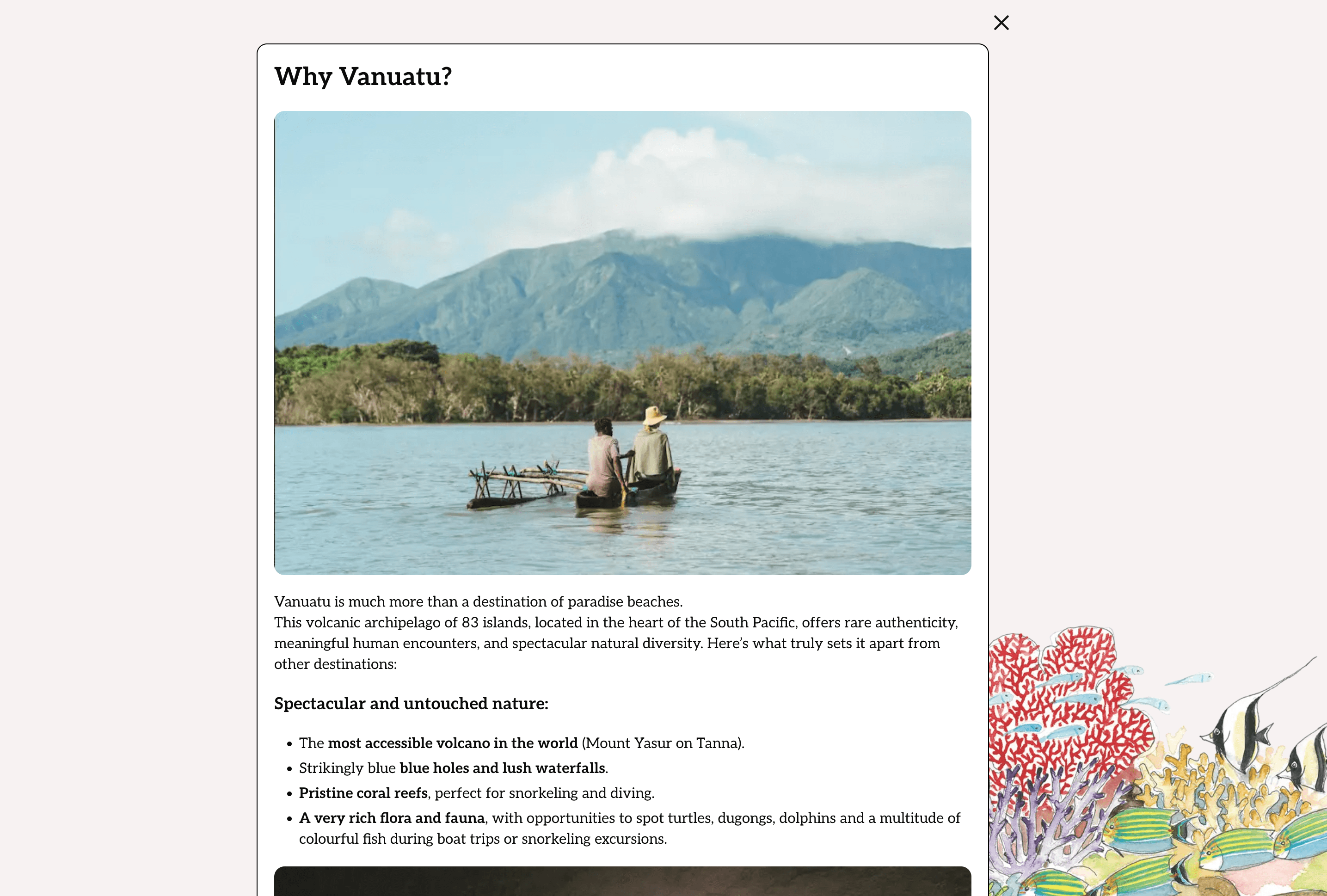
Displays rich text content with an optional image.
| Field | Description |
|---|---|
| Image | Optional header image |
| Rich Text | Content using the rich text editor — localized EN/FR |
The rich text editor supports:
- Headings, paragraphs, lists
- Bold, italic, underline
- Links and embedded media
- Image uploads with alt text and captions
3. Quiz Slide
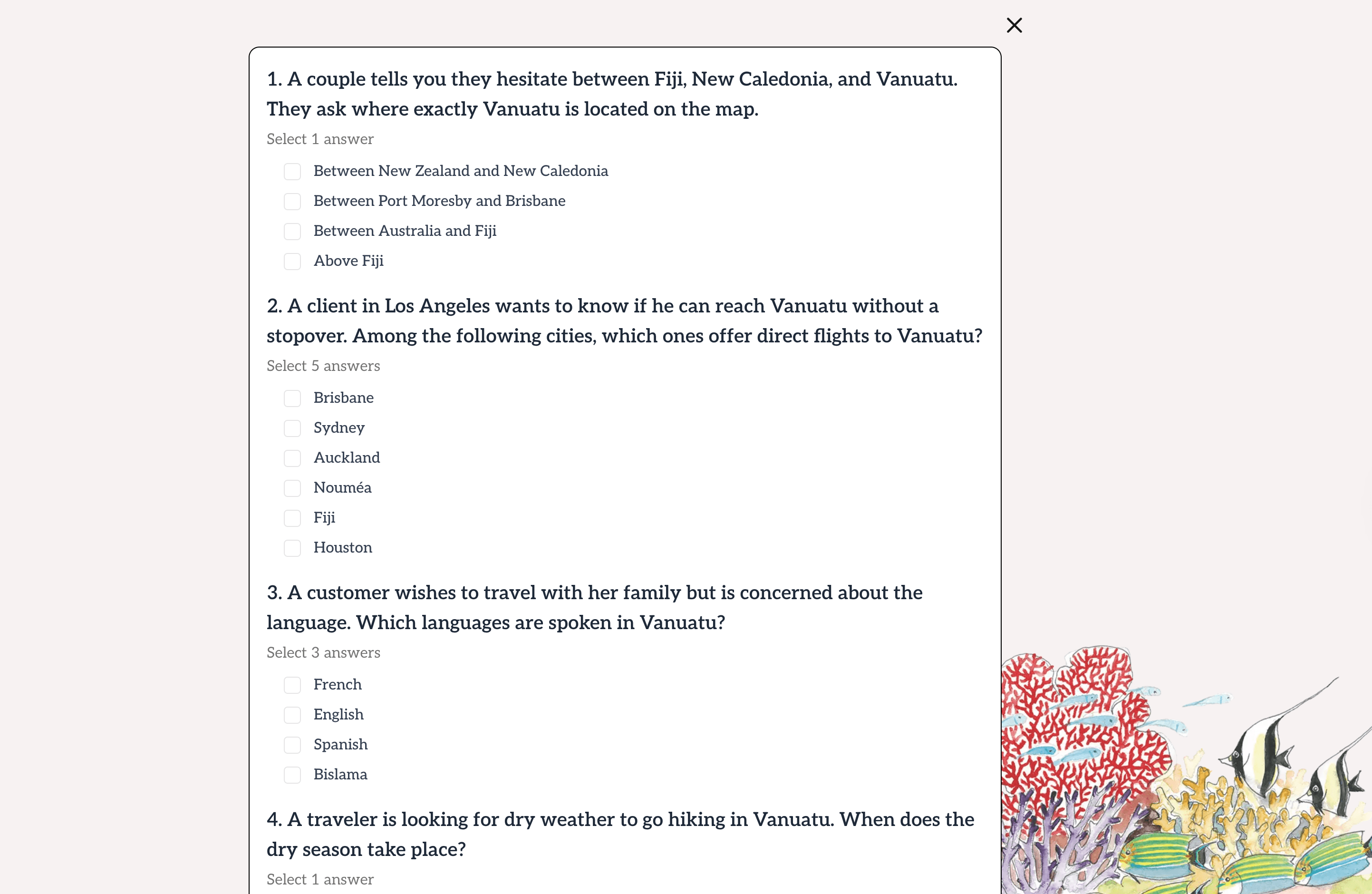
An interactive quiz to test agent knowledge. See Quiz Management for details.
| Field | Description |
|---|---|
| Image | Optional header image |
| Title | Quiz title — localized EN/FR |
| Quiz Mode | strict (must pass) or informative (no pass requirement) |
| Questions | Array of questions with answer options |
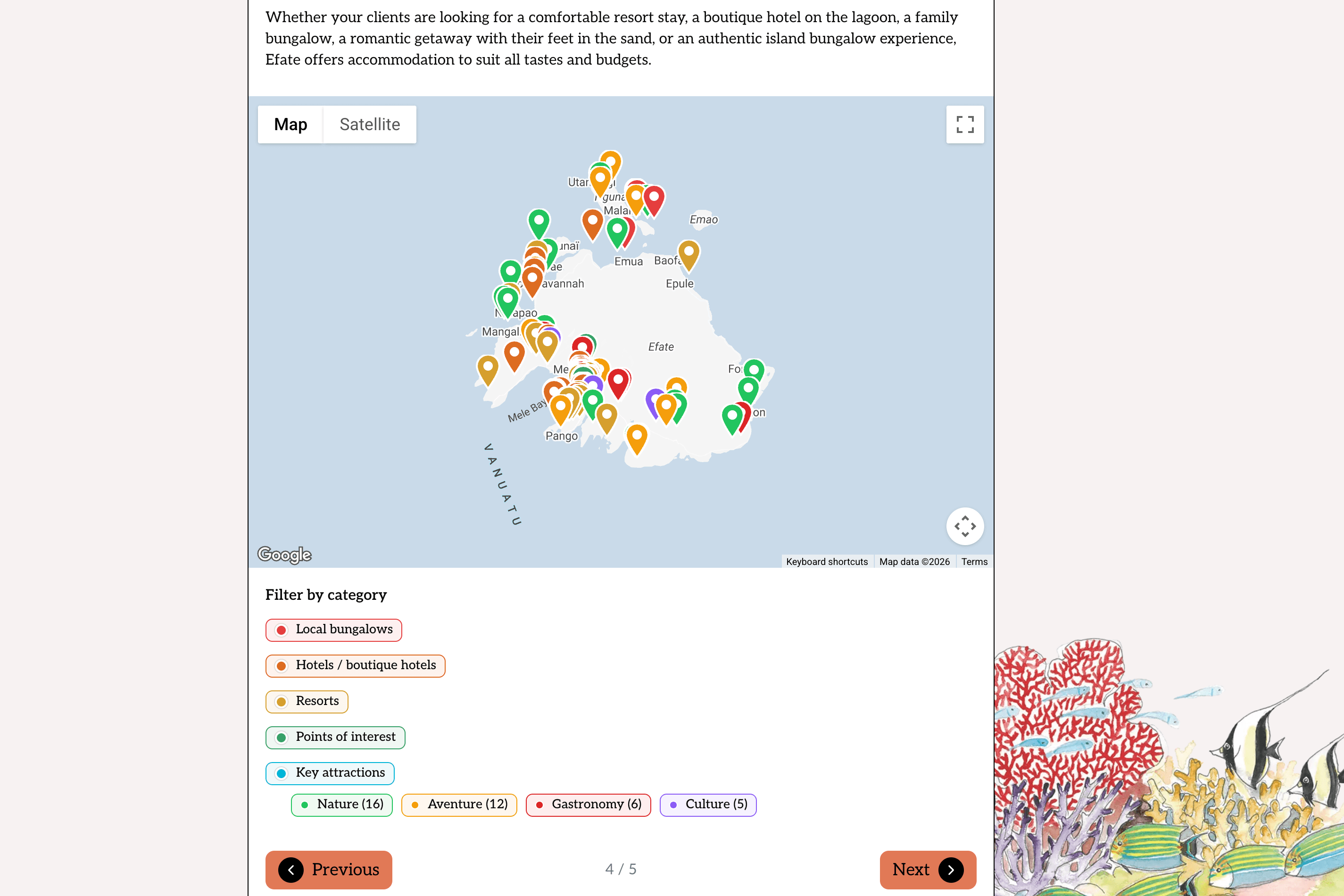
4. Interactive Map Slide
Embeds an interactive map with points of interest.
| Field | Description |
|---|---|
| Rich Text | Introductory text — localized EN/FR |
| Map | Link to an Interactive Map |
Reordering Slides
Slides within a module are ordered by their position in the array. To reorder:
- Open the module for editing
- Use the drag handles on each slide block to reorder
- Click Save
Important Behaviors
Automatic Duration Update
When you save a module, the parent training’s total duration is automatically recalculated.
Cascade Deletion
When a module is deleted, all associated slide progress records are automatically cleaned up. This means:
- Agent progress data for that module is removed
- This is irreversible — be careful when deleting modules with existing progress
Module Reassignment
If you change a module’s Training assignment (move it to a different training), both the old and new training durations are recalculated automatically.